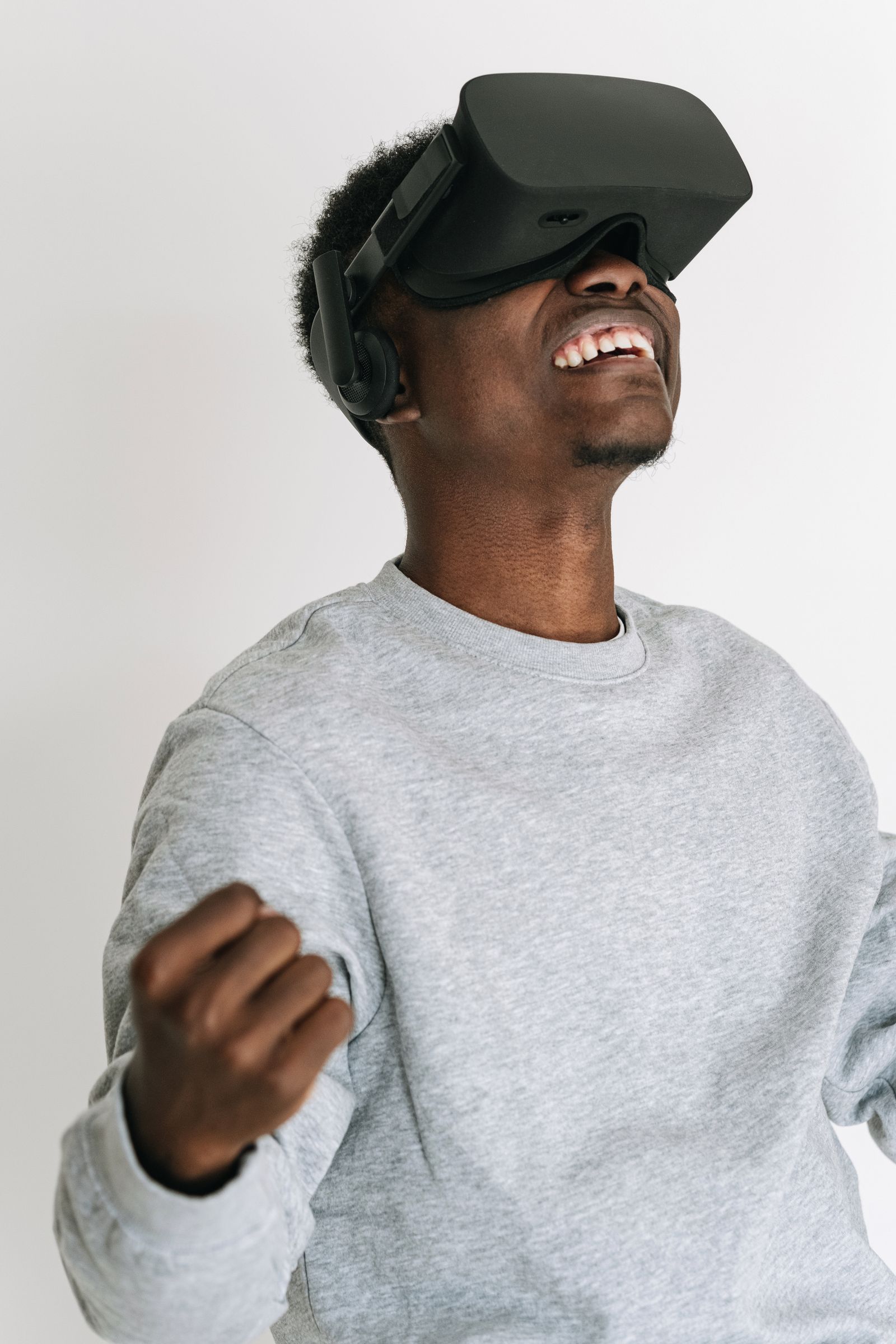
A spectacular immersive experience can fall flat if the visitor feels nauseous after five minutes, cannot adjust the headset or cannot use the controls. VR accessibility and comfort are not options for a few audiences: they determine whether a venue, brand or 3D configurator succeeds with the widest possible public.
Why design for everyone
According to the World Health Organization, an estimated 1.3 billion people, or 16% of the world’s population, live with a significant disability. Add temporary situations (injury, fatigue, wearing glasses), age and difficult usage contexts: an experience that only works for a “standard” user forgoes a large part of its audience.
Cybersickness: a known risk
VR cybersickness shows up as nausea, headaches and dizziness. A 2023 study notes that these symptoms affect an estimated 30 to 80% of users depending on the situation. Earlier research shows headsets cause more symptoms than a standard screen, even on recent models. Today’s headsets do better than previous generations, but a systematic review finds that some symptoms remain just as intense.
Another lead: the difference in symptoms observed between men and women may largely come from the ability to adjust lens spacing to one’s eyes (interpupillary distance). A well-fitted headset therefore matters as much as the content.
Eight design principles for a comfortable experience
- Avoid imposed movement: let users control the camera; favour teleportation or gentle acceleration.
- Keep fixed reference points: a cockpit, a frame or a stable horizon reduce conflicts between vision and balance.
- Plan a reasonable duration and breaks, especially for first-time users.
- Offer several interaction modes: controllers, hand tracking, gaze, simplified controls, seated mode.
- Care for text: legible size, sufficient contrast, subtitles for audio content, suitable language.
- Offer a no-headset alternative: on-screen version, smartphone augmented reality or shared screen.
- Support the equipment: headset fitting help, visible cleaning, trained staff.
- Allow stopping at any time: a simple gesture to exit, with no shame and no penalty.
Augmented reality: a different set of constraints
With smartphone augmented reality, the issues differ: insufficient light, limited space, occupied hands, tracking stability. Provide clear guidance for placing the object, a static mode when users struggle and a fallback to standard 3D visuals when AR is unavailable.
Test with real users
No checklist replaces testing. Include people with varied profiles (age, VR experience, disabilities, glasses wearers) and observe them without guiding. Note moments of hesitation, discomfort or drop-out: these are your correction priorities.
Frequently asked questions
Is accessibility mandatory for an immersive venue or site?
Obligations depend on the country, the type of establishment and the service. When in doubt, consult a lawyer or an accessibility specialist.
Is a VR headset suitable for children?
Manufacturer recommendations vary by model and age. Follow their guidance and provide a headset-free alternative.
How can you reduce the risk of nausea?
Limit imposed movement, ensure smooth display performance, adapt the headset fit to each person and offer breaks.
Going further
Inspir3d Studio designs immersive experiences and 3D configurators with comfort and real-world use in mind. To go deeper on interface design, read our article on UX/UI design for virtual try-on. To discuss a project, get in touch with our team.
