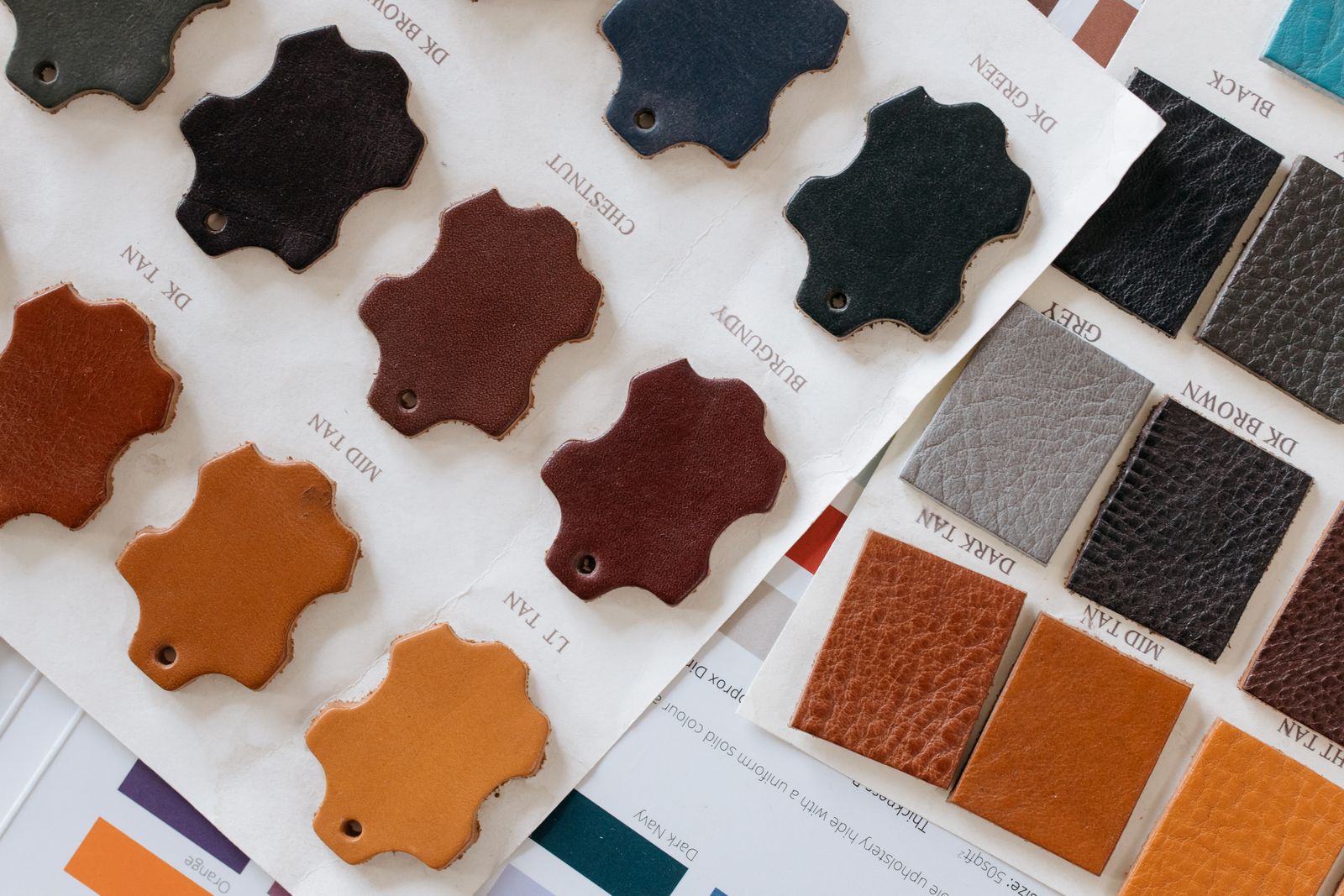
A 3D configurator is an interactive tool that lets a customer view a product in three dimensions and change its colors, materials and options in real time, right on an online store, before ordering. This guide covers its definition, how it works, e-commerce use cases and the limits to know about.
Disclosure: Inspir3d is a Zakeke partner, and Zakeke is a 3D personalization platform we mention in this article. The examples below come from projects delivered by Inspir3d Studio.
3D configurator: a plain definition
In practice, a 3D configurator replaces a handful of static photos with an object you can rotate, zoom into and customize. The visitor picks a shade, a material, a finish or an option, and the model updates on screen instantly. They see the result before buying, not after delivery.
It should not be confused with a simple 3D viewer, which only shows a product from every angle, nor with augmented reality, which places the product in the user’s real surroundings. A configurator adds a layer of choice: the customer builds their own version of the product.
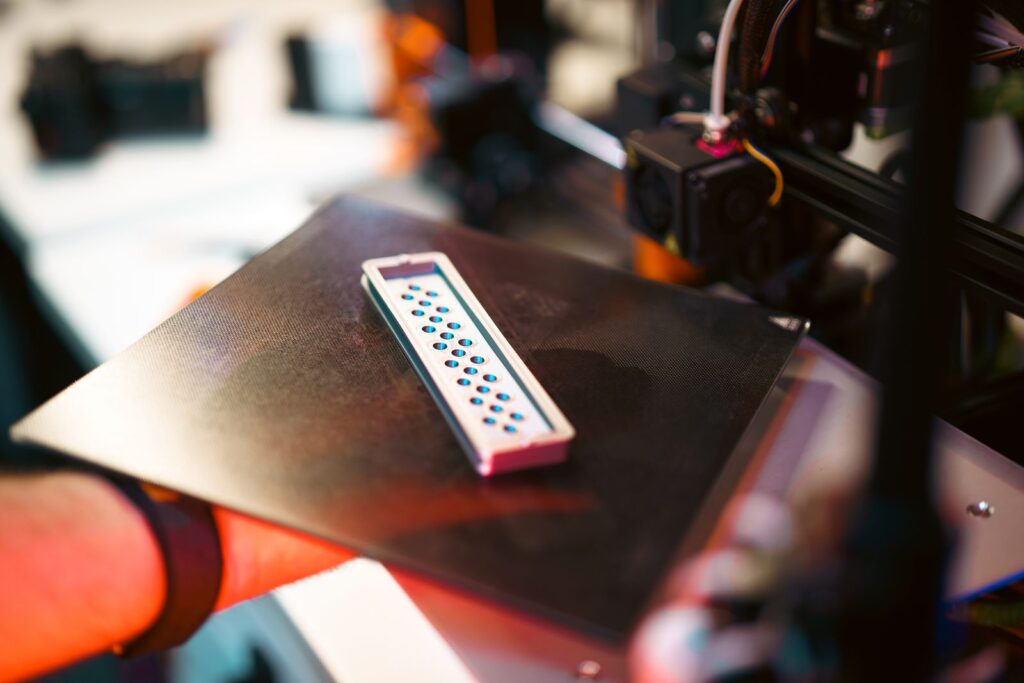
How does a 3D configurator work?
Behind the interface, four building blocks work together. Neglect one and the whole experience suffers.
1. A lightweight 3D model built for the web
The product is modeled, or reused if it already exists in CAD software, then simplified so it loads quickly in a browser. An open format such as glTF, described by the Khronos Group as a specification “for the efficient transmission and loading of 3D scenes and models”, has become a web reference.
2. Materials, colors and rules
Every color, texture and customizable zone is recreated. Rules are defined too: which options work together, which exclude each other, which change the price.
3. A platform and a store integration
The configurator runs either on an existing platform (Zakeke, for example) or on a custom build. It plugs into the product page and the cart so the chosen configuration follows the order. Our article on no-code or custom 3D configurators (in French) goes deeper into that choice.
4. Testing on desktop and mobile
A 3D experience is judged on load time, smooth interaction and readability on a small screen. Testing covers both speed and real usage, device by device.
What is a 3D configurator used for in e-commerce?
It solves a simple problem: a shopper customizing a product online hesitates because they cannot see it. The configurator shows them their creation, which reduces uncertainty at the moment of ordering.
The context helps. According to McKinsey (2021), 71% of consumers expect companies to deliver personalized interactions, and 76% get frustrated when that does not happen. On the 3D side, Shopify states that merchants using 3D commerce have reported an average 94% increase in conversions compared with photos alone. That figure is self-reported: Shopify cites no study or sample. It shows an order of magnitude, not a promise for your store.
No result can be guaranteed: the effect depends on the product, the store and the market. That is why we set the metrics to track during scoping, before any modeling starts.
Two real examples delivered by Inspir3d
Bike Sellier: customizable saddle covers
Bike Sellier sells customizable saddle covers for 50cc motorcycles. Its 3D configurator already existed, but loading a single object could take more than eight minutes: each file had over a million polygons. In two weeks we brought the models down to roughly 200,000 polygons, recreated the colors and textures, and rebuilt everything in Zakeke. A 3D object now loads in fifteen seconds at most.
Bike Sellier reported revenue multiplied by five five months after the overhaul. With an important caveat: other commercial factors may have contributed, so the increase cannot be attributed to the 3D optimization alone. Details are in the Bike Sellier case study.
Milleocchiali: twelve eyeglass frames in 3D
For this Italian prescription eyewear retailer, we modeled twelve frames and created textures for thirty-two frame colors and four temple colors, then configured everything in Zakeke. Customers see each combination before ordering. Milleocchiali observed a 35% rise in e-commerce sales after launch, a result specific to them. See the Milleocchiali case study.
The main types of 3D configurators
- The visual configurator: colors, materials and finishes for a consumer product (eyewear, covers, jewelry, furniture).
- The technical configurator: assembling components with compatibility rules, common in B2B.
- The visual CPQ (configure, price, quote): it adds price calculation and quote generation to the 3D configuration.
- The configurator with try-on or augmented reality preview: the configured product is then placed in the user’s real space.
What makes a good configurator: performance
A slow configurator defeats its own purpose. For a good user experience, Google recommends a Largest Contentful Paint of 2.5 seconds or less, measured at the 75th percentile of page loads. A 3D object that takes minutes to load, like Bike Sellier’s before our work, is nowhere near that. Model weight, texture quality and mobile display must be handled from day one. See also our article on the high-performance website and immersive 3D.
Common mistakes before you start
Three mistakes come up regularly on the projects we take over. The first is starting from 3D models that are too heavy, built for advertising renders rather than the web: the configurator then loads slowly, especially on mobile. The second is offering too many options without clear rules, which overwhelms the shopper instead of reassuring them. The third is launching without deciding what to measure: usage rate, load time, add-to-cart rate.
The right reflex is to start with a small scope, a few products and the options your customers care about most, then expand once you have observed real usage. It is also easier to budget.
3D configurator, photos or augmented reality?
A configurator fits when the customer has choices to make: colors, materials, options. For a product without variants, a good photo gallery or a simple 3D view is often enough. Augmented reality answers a different question: “will it fit in my home or on me?” We compare the two in 3D configurator or augmented reality. For budget, our guide on how much a 3D configurator costs lists the cost items to plan for.
Frequently asked questions
What is a 3D configurator in one sentence?
An interactive tool that lets you see a product in 3D and customize its colors, materials and options in real time before buying.
Which products can be configured in 3D?
Any product that comes in visual variants: colors, materials, customizable zones. We have built configurators for prescription glasses and saddle covers.
Does a 3D configurator increase sales?
No result can be guaranteed. Milleocchiali observed a 35% rise in e-commerce sales, and Bike Sellier reported revenue multiplied by five with possible outside factors. These results are specific to them.
Do customers need an app to use a 3D configurator?
No. It runs in the browser, directly on the product page, on desktop and mobile.
Going further with Inspir3d
Inspir3d Studio builds 3D configurators from modeling to store integration. If you are unsure which approach suits your catalog, let’s talk.
